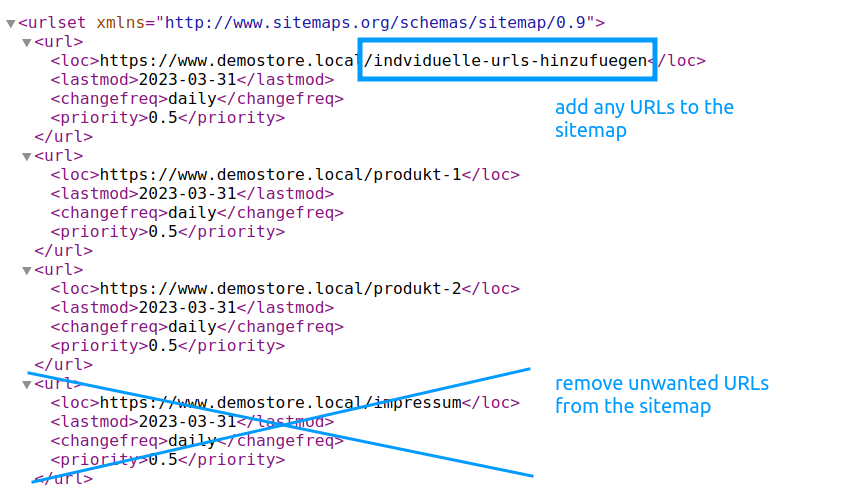
The Shopware sitemap is generated automatically by default. However, in many projects it is necessary to remove specific URLs, page types or URL structures from the sitemap or to add custom entries manually. This is exactly where this extension comes in.
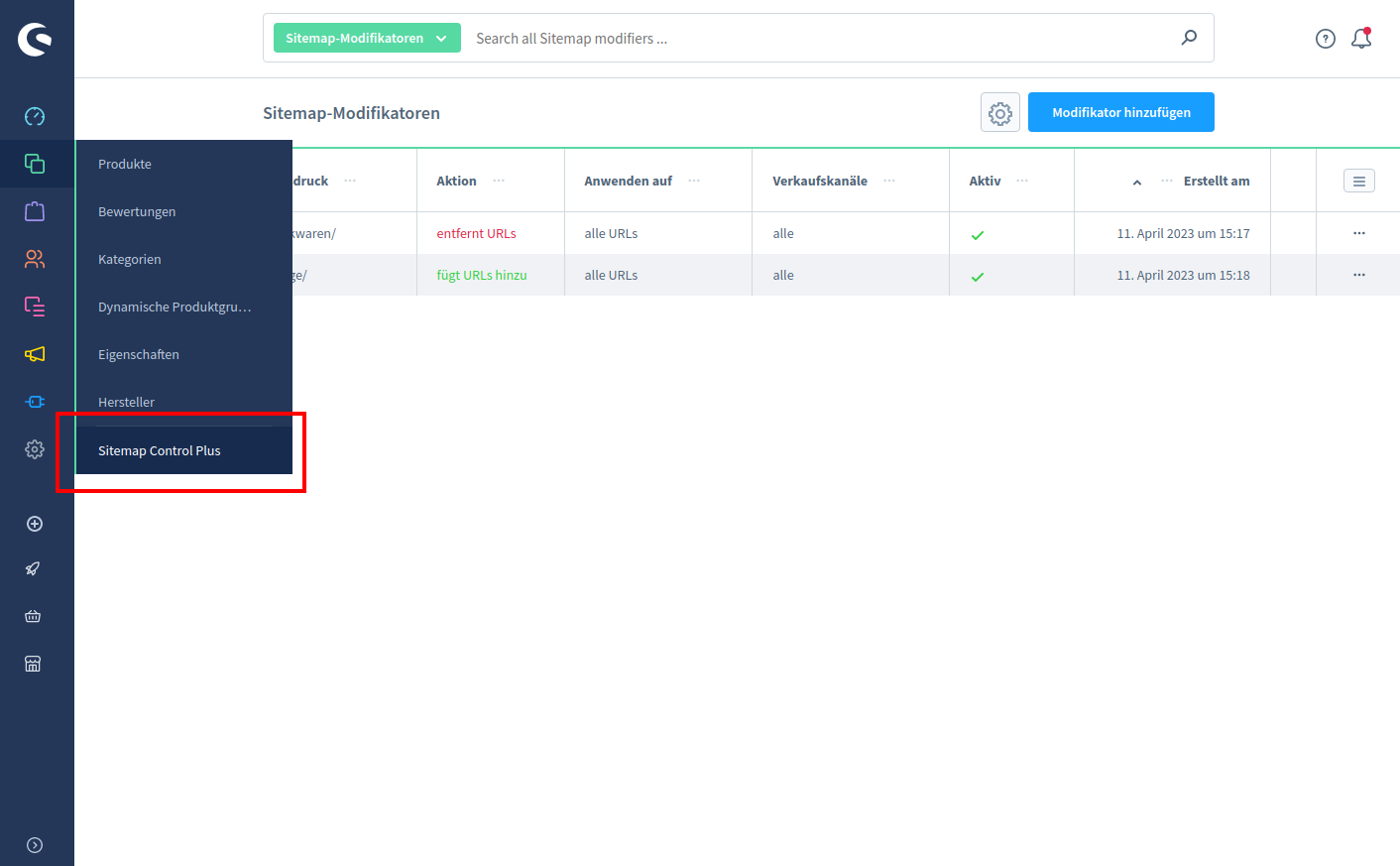
With Sitemap Control you can flexibly modify your sitemap.xml and decide exactly which URLs should appear in your sitemap and which should not.
Exclude or add URLs easily
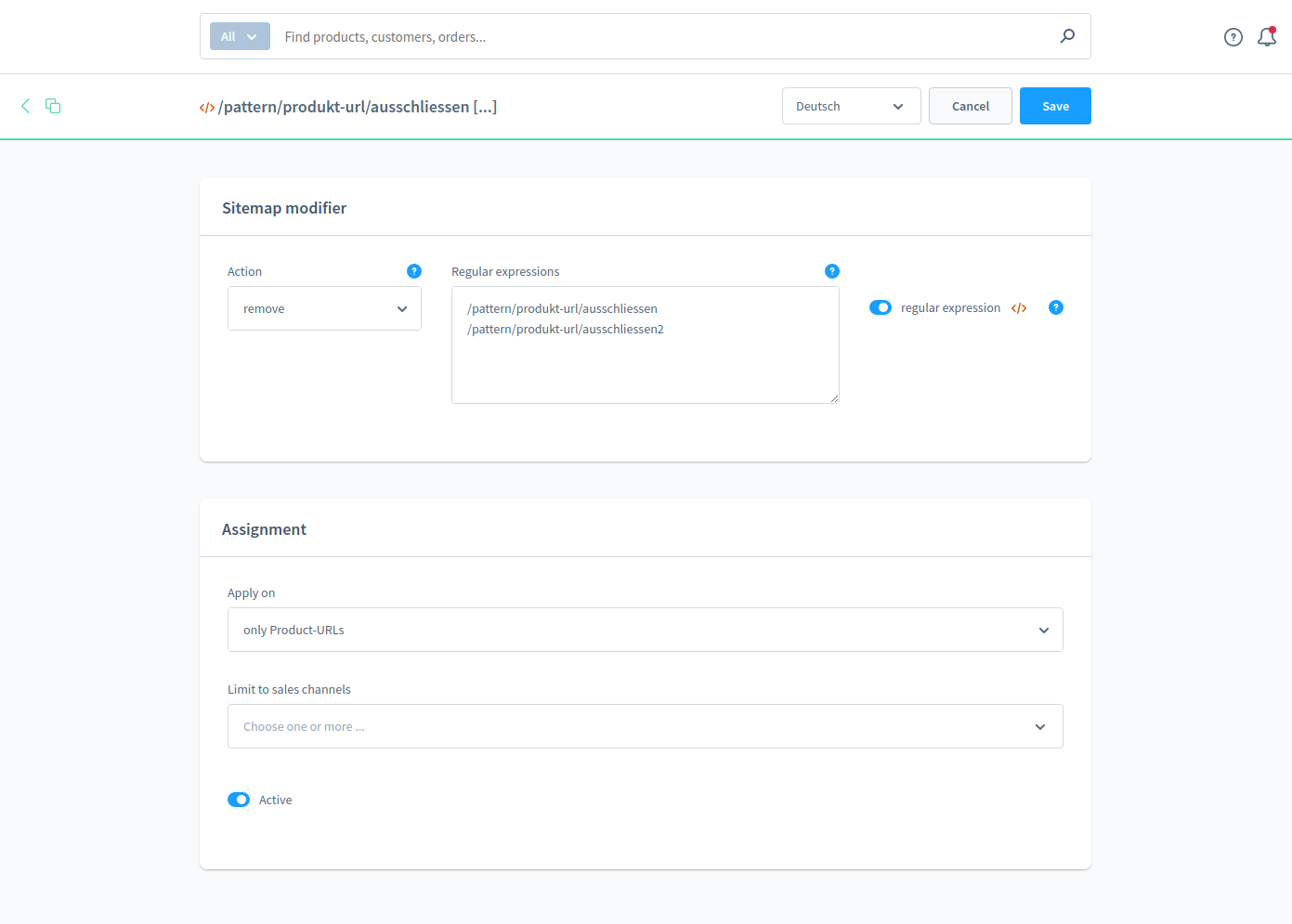
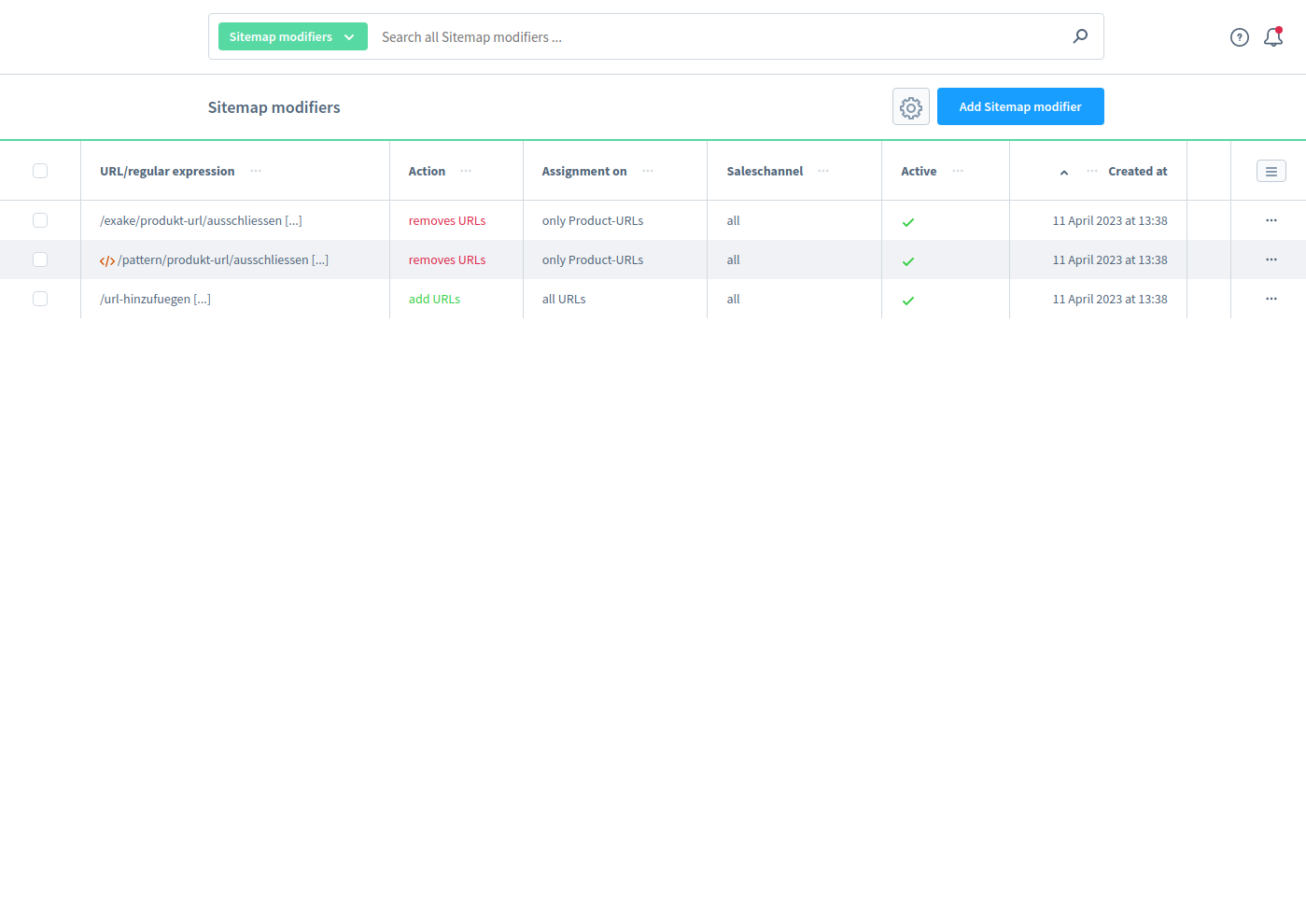
The extension allows you to remove individual URLs or complete URL structures from the sitemap. This is especially useful for filter pages, search pages, legal pages or other content that should not be indexed by search engines.
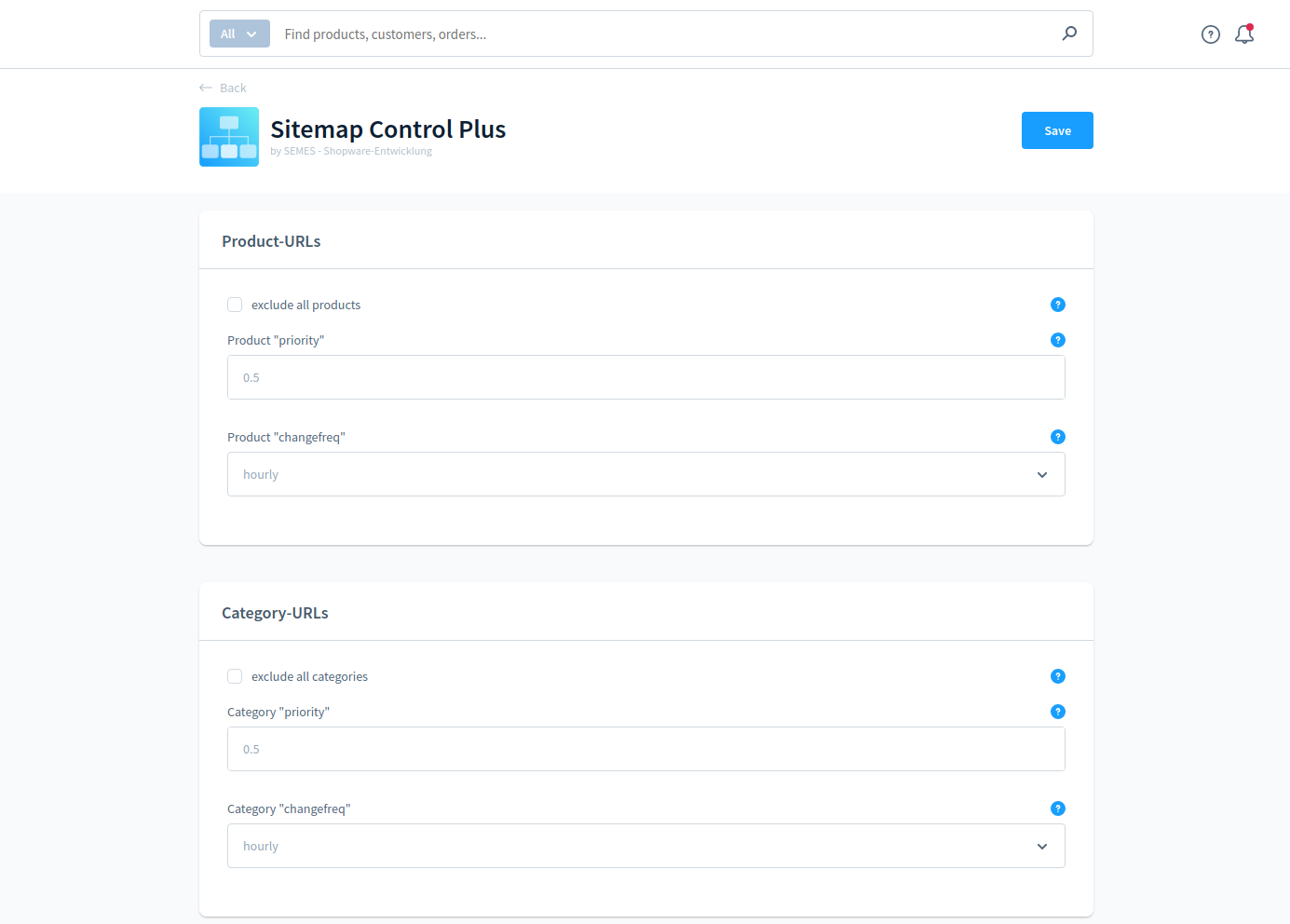
At the same time, you can add custom URLs manually to the sitemap and define individual values for priority and changefreq.
Flexible filtering using regular expressions
In addition to exact URLs, you can use regular expressions (regex) to automatically filter entire URL groups. This makes it easy to exclude pagination pages, filtered URLs or specific product groups from the sitemap.
Different rules per sales channel
Modifiers can be limited to specific sales channels. This allows you to define individual sitemap rules for different domains or sales channels.
Typical use cases
- Remove filter pages from the sitemap
- Exclude legal pages such as privacy policy or terms and conditions
- Remove specific product groups from the sitemap
- Add landing pages with custom priority
- Define different sitemap rules per sales channel
- Optimize your sitemap for SEO
For agencies and larger projects
Running multiple Shopware stores or working as an agency? Get in touch with us for individual pricing and support tailored to your projects. You can reach us via a Shopware support ticket or by email at ed.semes@trnulloppus.