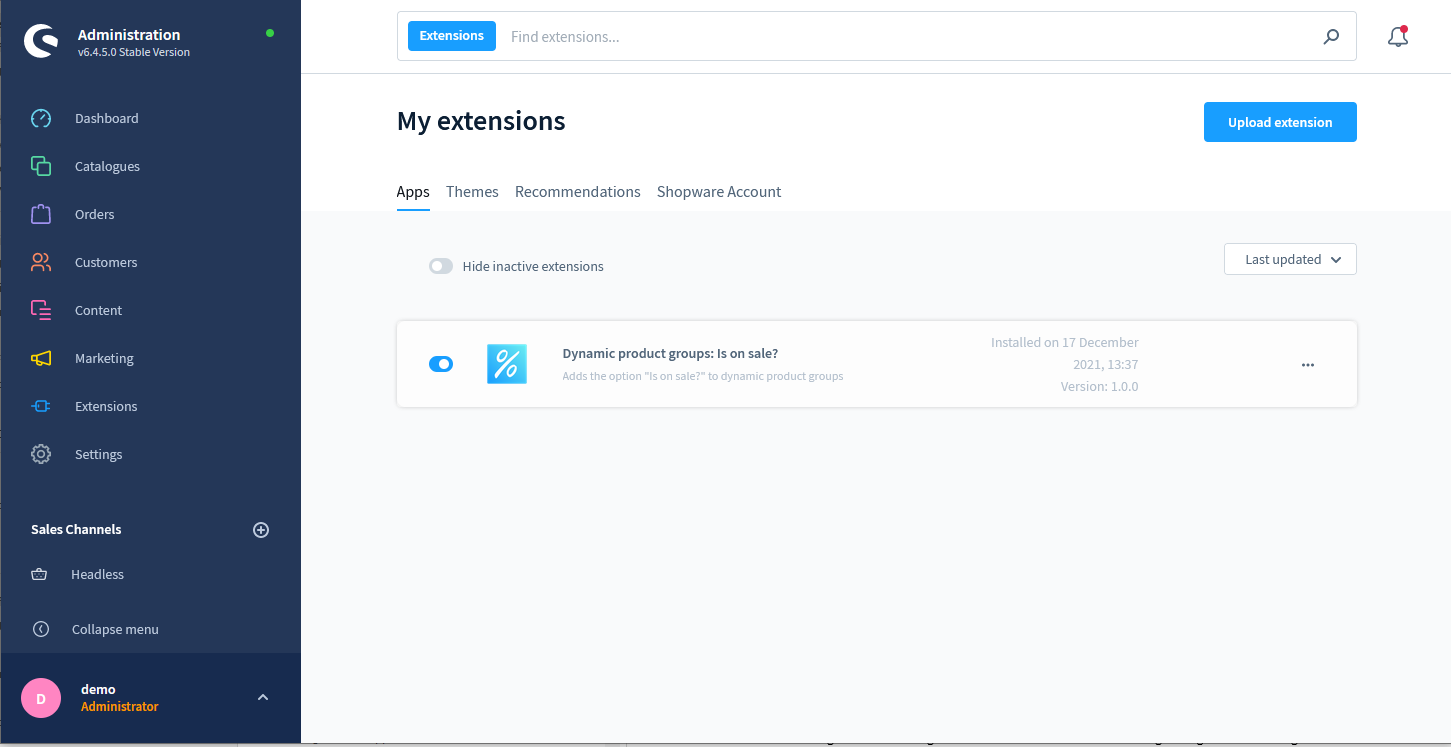
In many shops, discounted products have to be manually tagged, assigned to categories, or maintained in product groups. This takes time and is prone to errors.
This extension automatically detects discounted products and allows you to assign them to dynamic product groups. This way, sale categories can be filled automatically with matching products.
How does the plugin work?
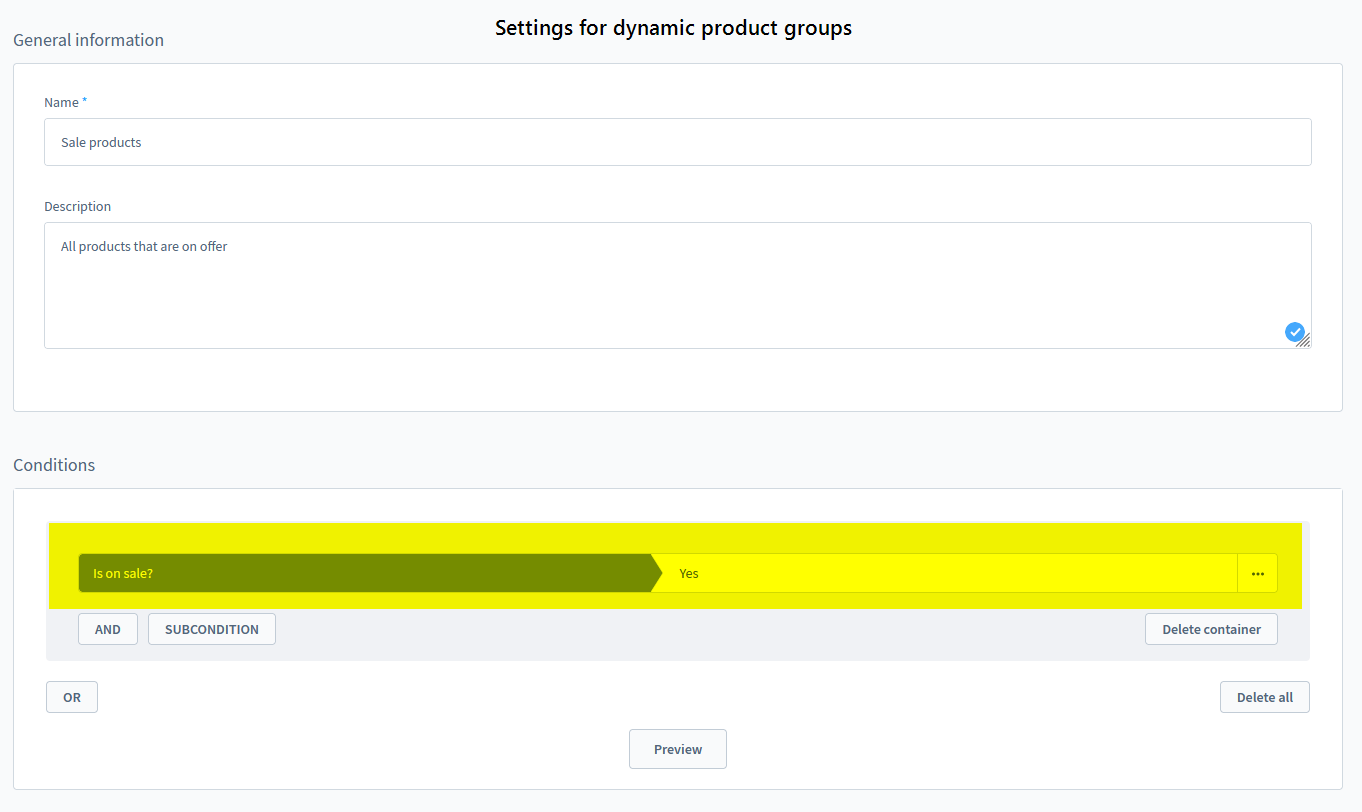
The extension adds a new condition “Is on sale” to dynamic product groups.
All products where the sales price is lower than the list price are automatically recognized as sale products and can be used in dynamic product groups.
This allows you to automatically create categories such as:
- Sale
- Special offers
- Clearance
- Seasonal offers
- Discount campaigns
Typical use cases
This plugin is especially useful for:
- Automatic sale categories
- Landing pages for promotions
- Rule Builder rules with sale products
- Promotion and discount pages
- Dynamic product groups with discounted products
When is a product considered “on sale”?
A product is considered discounted when the sales price is lower than the list price.
Both standard prices and advanced prices are supported.
For agencies and larger projects
If you operate multiple Shopware shops or run an agency, feel free to contact us for individual conditions and project support. You can reach us via a Shopware support ticket or by email at [email protected].