Dynamic breadcrumb path according to visitor click path
Show the exact dynamic click path with Breadcrumb Plus for Shopware 6. Improve navigation, SEO and conversions with flexible breadcrumbs in your online store.
from €8.25*/month
Highlights
Features
About the Extension
In Shopware, breadcrumbs are typically based on a predefined default category. This can become confusing as soon as products are assigned to multiple categories. The breadcrumb shown on the product page often does not match the path the customer actually took, making navigation feel inconsistent and unintuitive.
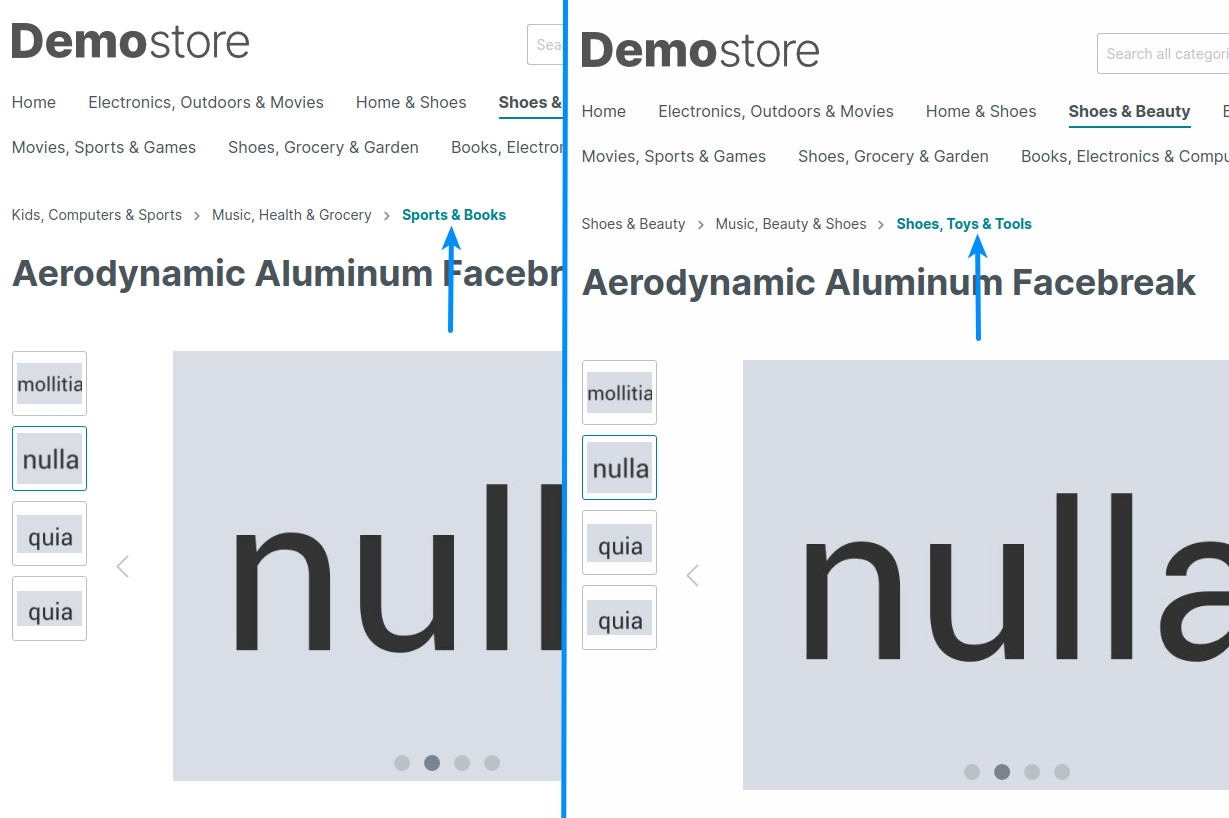
Breadcrumb Plus dynamically adapts the breadcrumb to the actual navigation path of the visitor. Instead of showing a fixed category, the breadcrumb reflects how the user reached the product, creating a much more intuitive browsing experience.
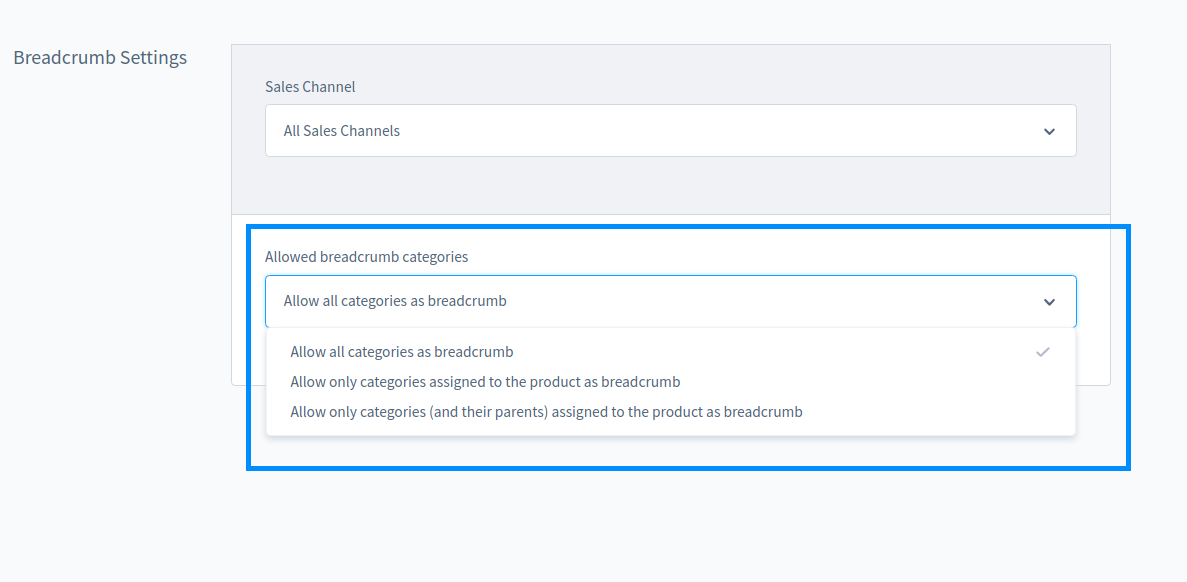
If a product is accessed directly, for example via a search engine, external link or bookmark, the plugin automatically falls back to the configured default category. This ensures a consistent structure for both users and search engines, without affecting your SEO.
By aligning the breadcrumb with the user’s journey, visitors can easily understand where they are and navigate back to relevant categories without confusion. This improves overall orientation, creates a smoother shopping experience and can positively impact your conversion rate.
Imagine you run an online store for shoes. Your products are listed in multiple categories such as “Men’s Shoes”, “Women’s Shoes” and “Sports Shoes”. A customer navigates through “Sports Shoes” and lands on a product page.
Without Breadcrumb Plus, the breadcrumb would typically show the default category of the product, for example “Men’s Shoes” or “Women’s Shoes”. This creates a mismatch between navigation and display, which can confuse users.
With Breadcrumb Plus, the breadcrumb correctly displays “Sports Shoes”, matching the path the customer actually took. This allows users to easily navigate back and continue browsing within the same category, without losing context.
Running multiple Shopware stores or working as an agency? Get in touch for individual pricing and support for larger projects. You can reach us via Shopware support ticket or email at [email protected].
Contact
We are looking forward to hearing from you!
Do you have any questions or would you like to work with us? Drop us a line! We look forward to hearing from you!
SEMES
A brand of Youbility Software